Clean Ninja finds the clutter hiding in your gallery and helps you safely remove it.
Top Users’ Choice
Gigabytes back, not megabytesOne cleanup, not an afternoon of deleting.
Privacy protectionYour photos never leave your phone.
Why is my storage full?
It is almost never one big file. It is eleven frames of the same jump, a Live Photo that quietly carries three seconds of video, screenshots you needed for ten seconds in 2023, and the 4K clip you have never watched twice. Your phone keeps all of it and sorts none of it, so the space disappears quietly, and the only warning you get is the one that arrives when you are trying to take a photo.
Clean Ninja starts by naming the number. One scan, on the device, and your library stops being a single 64 GB blob and becomes a list of decisions you can actually make.
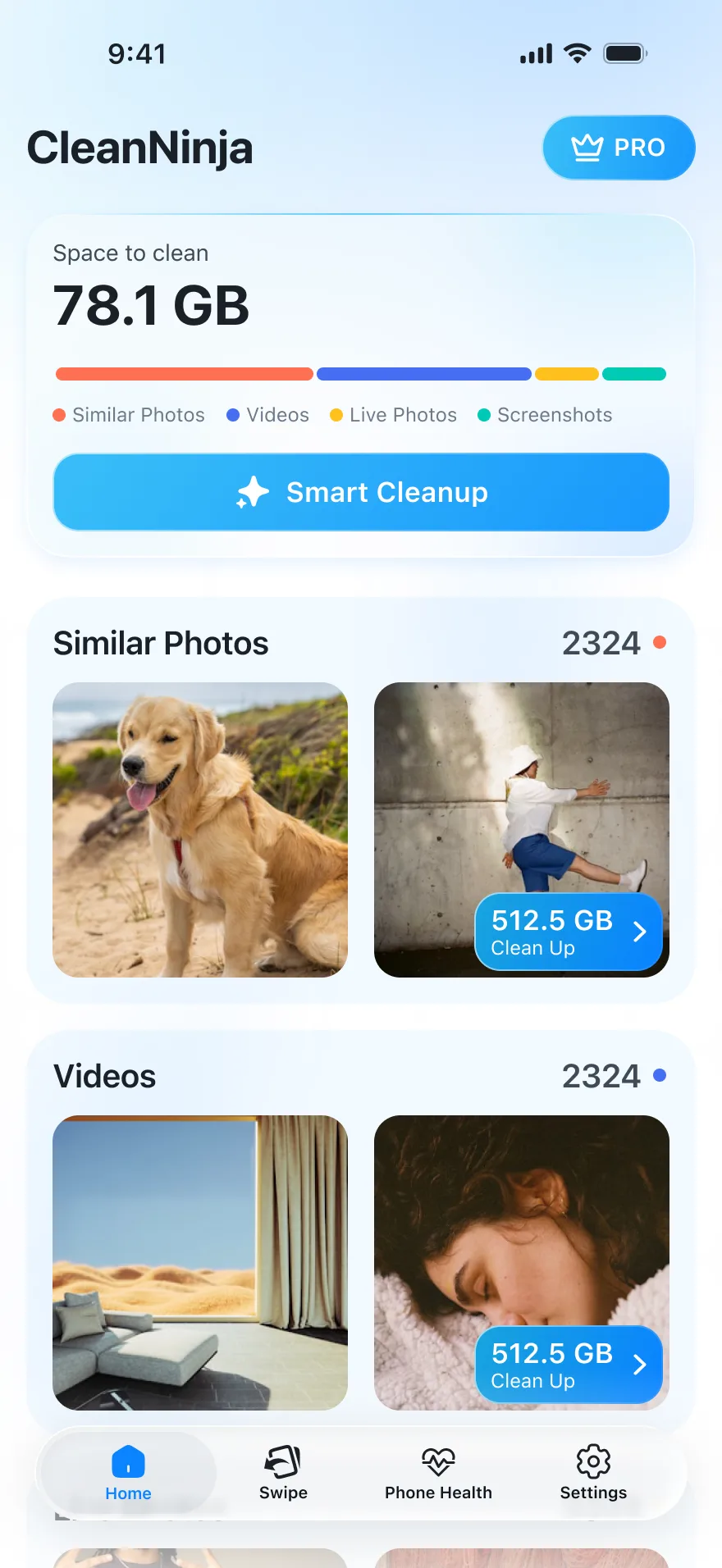
Space to clean
12.8 GB
Similar Photos7.1 GB
Videos3.3 GB
Live Photos1.2 GB
Screenshots1.2 GB
Smart Cleanup
Three steps, and the gigabytes come back
Scan
Clean Ninja reads your library on the phone and works out what is duplicated, what is a screenshot and what is simply enormous. Nothing is uploaded to be analysed.
Scanning your library12 480 / 31 902
Review
Every group arrives pre-selected with the keeper already chosen, and every item shows its size. Change any of it. Nothing is selected on your behalf that you cannot undo.
Best
Free up
One confirmation from the system, and the selection moves to your phone's trash. It sits there for 30 days, so a change of heart costs you nothing.
Freed 12.8 GBWaiting in Trash for 30 days
What you can clean
Not one vague "optimise" button. Five kinds of clutter, each with its own screen, its own count and its own number in gigabytes, plus one button that handles the obvious cases for you.
Delete duplicate photos, keep the best shot
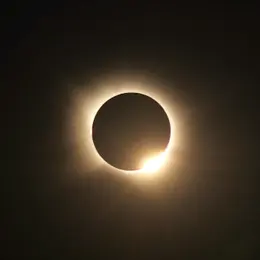
Clean Ninja compares your photos and puts the near-identical ones into a single group. One frame is marked Best and stays; the rest are pre-selected to go. Disagree with the pick and you can change it, or leave the whole group alone.
Groups are built on the device. Deleting is part of Pro.
14 Similar PhotosSelect All
Best
Delete 13 Similar Photos1.14 GB
Clear out the screenshots
Receipts, boarding passes, half a conversation, a recipe. Screenshots are the cheapest thing to lose and the easiest to forget you have. Clean Ninja lists them all in one place, newest or largest first, and keeps whatever you have favourited.
908 screenshots is a normal number. So is 1.2 GB.
ScreenshotsSelect All
Delete 908 Screenshots1.2 GB
Live Photos are videos you never watch iPhone
Every Live Photo carries about three seconds of video behind the still, and most of those seconds are the phone coming out of a pocket. Clean Ninja lists them as their own category, so you can keep the picture and drop the motion.
Live Photos1.2 GB
Delete 3 Live Photos420 MB
Find the videos eating the most space
Sorted by size, biggest first, because that is the order that pays. A single 4K clip can outweigh a thousand photos. Keep the ones that matter and compress them instead of deleting them: same clip, a fraction of the gigabytes.
You see the saving for every preset before you commit to any of them.
VideosLargest first
Apartment tour4K · 3:123.9 GB
Sunday morning1080p · 8:40920 MB
Compress Video
Size details
Original3.9 GB»Compressed0.7 GB
Compression ratio
MinimumSave 0.4 GBMediumSave 1.9 GBMaxSave 3.2 GB
Swipe through the rest
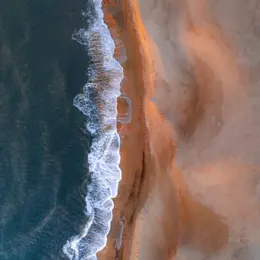
For everything an algorithm should not decide for you. One photo at a time, left to delete and right to keep, twenty at a sitting or a whole month if you are in the mood. The last card is always undoable.
Marked photos land in a review list before anything is deleted.
On this dayFiles: 1 / 120
12 Feb 2023
Delete Keep
Or press Smart Cleanup and skip the whole thing
Clean Ninja gathers every duplicate group, keeps one good shot from each, adds the screenshots and Live Photos you have not favourited, and shows you the total before it touches anything. It is the same review as doing it by hand, collapsed into one screen and one tap.
Restore anything within 30 days.
12.8 GBOne-Tap Cleanup We analysed your library and selected files worth removing. Tap once to clean up, restore anything within 30 days.
Similar Photos842 items7.1 GB+99
Videos18 items3.3 GB+15
Screenshots388 items1.2 GB+99
Smart Cleanup 1 24812.8 GB
See the day your storage runs out iPhone
Phone Health watches how fast your library is growing and turns it into a date. Memory, battery health, heat and CPU sit next to it, so the storage warning stops being a surprise and starts being a schedule.
Estimated from a year of usage data. May differ from iOS Settings.
Device Overview
Memory0.4 / 8 GB
Health99 %
HeatNormal
CPU15 %
Storage forecast
About 4 months of space left at this rate
The part you actually wanted: the number going down
When the cleanup finishes, Clean Ninja tells you exactly what it freed and where it went. Removed files sit in your phone's trash for 30 days. Empty that trash and the space is yours again for good.
Before64 GB used
After51.2 GB used
12.8 GB back
Nothing leaves your phone
A cleaner has to read your whole library to be any use, which is exactly why it should not send it anywhere. Clean Ninja does the work on the device, hands the delete to the system, and leaves you a month to change your mind.
Scanning stays on your phone. Your photos are not uploaded to be analysed.
The system asks before anything goes. Every delete runs through the phone's own dialog.
Nothing is gone for 30 days. Deleted items wait in your phone's trash.
How to free up space on your phone
Why is my phone storage full?
On most phones the photo library is the largest thing on the device, and most of it is repetition: bursts of near-identical shots, Live Photos carrying three seconds of video each, screenshots kept for a few seconds two years ago, videos never watched twice. Nothing on the phone groups those for you, so the gigabytes stay invisible until the storage warning turns up.
How do I free up space on Android?
Start with the photo library: it is usually both the biggest and the easiest to cut. Clean Ninja scans it on the device, groups the duplicates, lists your screenshots and sorts videos by size, then shows what each group costs in gigabytes. You pick what goes, and Android asks for confirmation before anything is removed. It needs Android 11 or later, and installing it and reviewing your library costs nothing.
How do I free up space on iPhone?
Photos and videos are almost always the biggest thing on an iPhone, and Live Photos quietly double the cost of a picture by storing video with it. Clean Ninja scans the library on the device and splits it into Similar Photos, Videos, Live Photos and Screenshots with a size against each, so you can start with whichever is largest. Deleted items go to Recently Deleted and stay recoverable for 30 days.
How do I delete duplicate photos?
Clean Ninja compares the photos in your library and puts near-identical shots into one group, with the best frame marked to keep. Accept the suggestion, change which frame stays, or skip the group. Only what you leave selected is deleted.
Do Live Photos take up more space?
Yes. A Live Photo stores a short video alongside the still, so it costs several times what the same picture would on its own. Clean Ninja lists them as their own category, so you can keep the still and drop the motion where you do not need it.
Are my photos uploaded anywhere?
No. Clean Ninja reads your library on the device to work out what is similar and what is large. Your photos are not uploaded to be analysed.
Can I get a photo back after deleting it?
Yes, for 30 days. Confirmed items move to your phone's trash — Recently Deleted on iPhone, the gallery trash on Android — which keeps them for 30 days before removing them for good. Emptying that trash is the step that actually frees the space.
Is Clean Ninja free?
Installing it and reviewing your whole library is free, so you can see exactly what you would get back before paying anything. Deleting is part of Clean Ninja Pro.
Is there a Clean Ninja app for iPhone?
Yes. Clean Ninja: Storage Cleaner is on the App Store and needs iOS 16 or later. The Android app is on Google Play and needs Android 11 or later. Both are free to install and free to review your whole library.
Get the gigabytes back
Free to install and to review your whole library. Deleting is part of Clean Ninja Pro.



 Best
Best


 Best
Best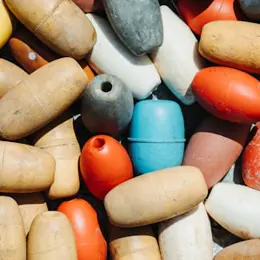







 12 Feb 2023